.svg)

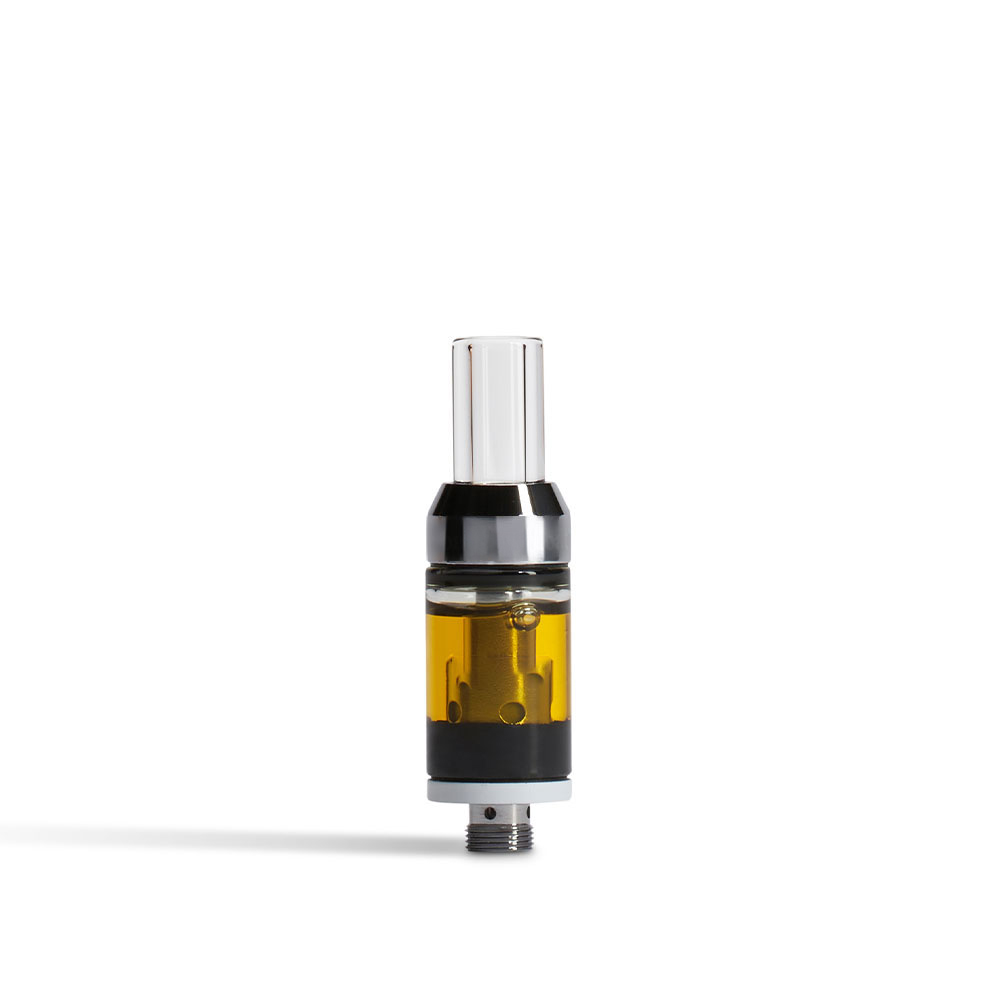
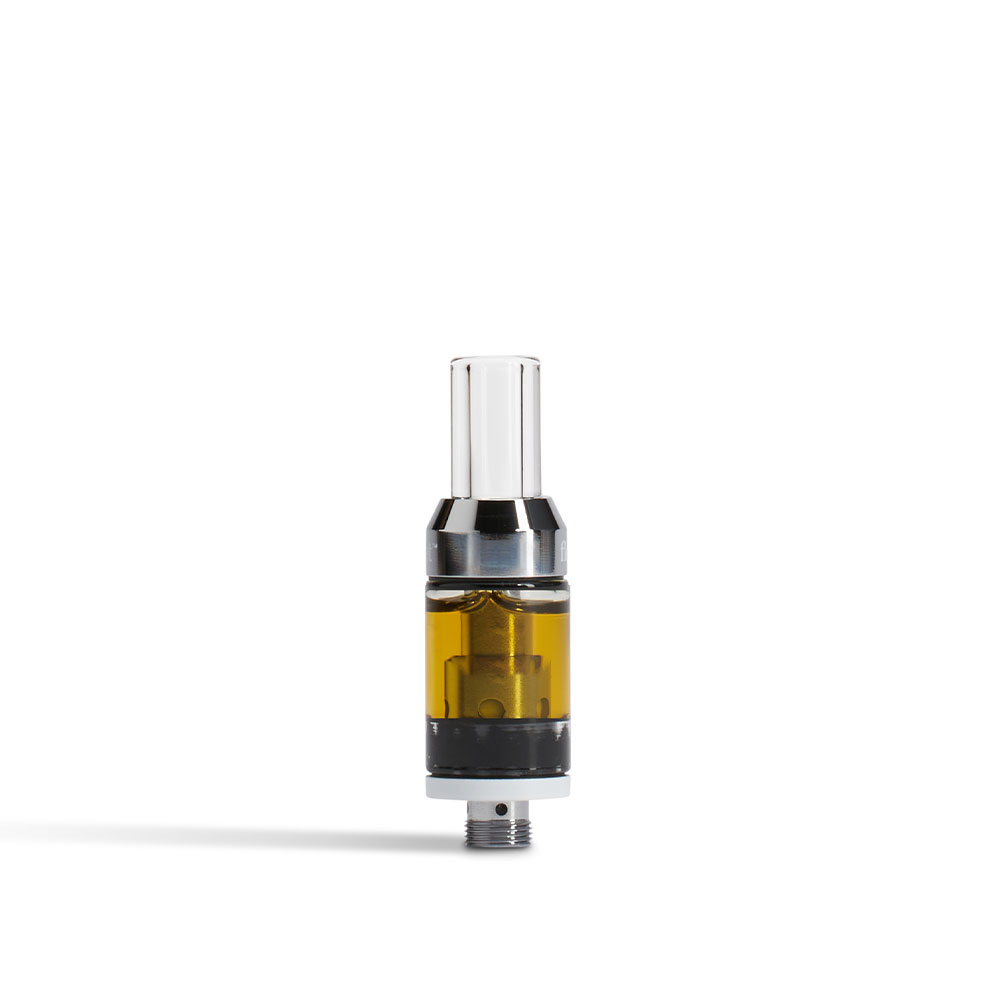
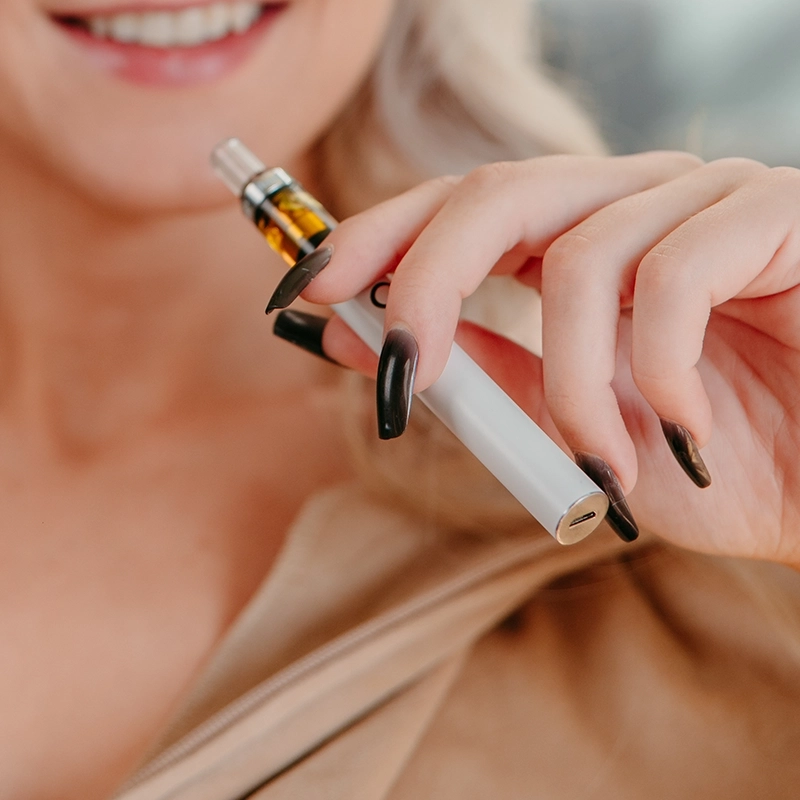
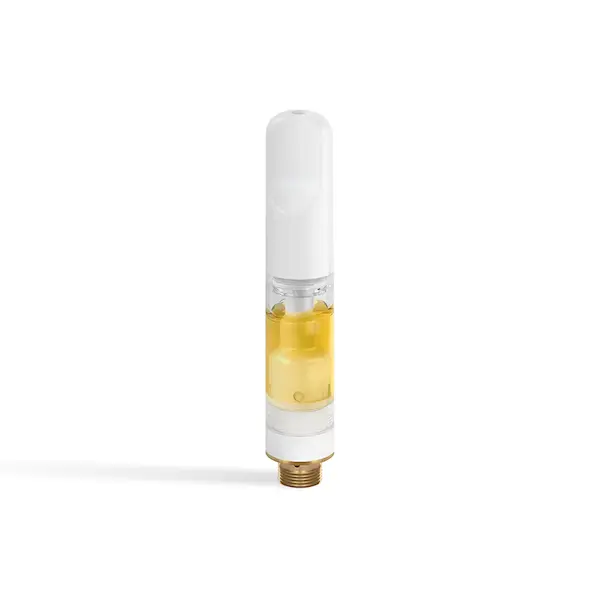
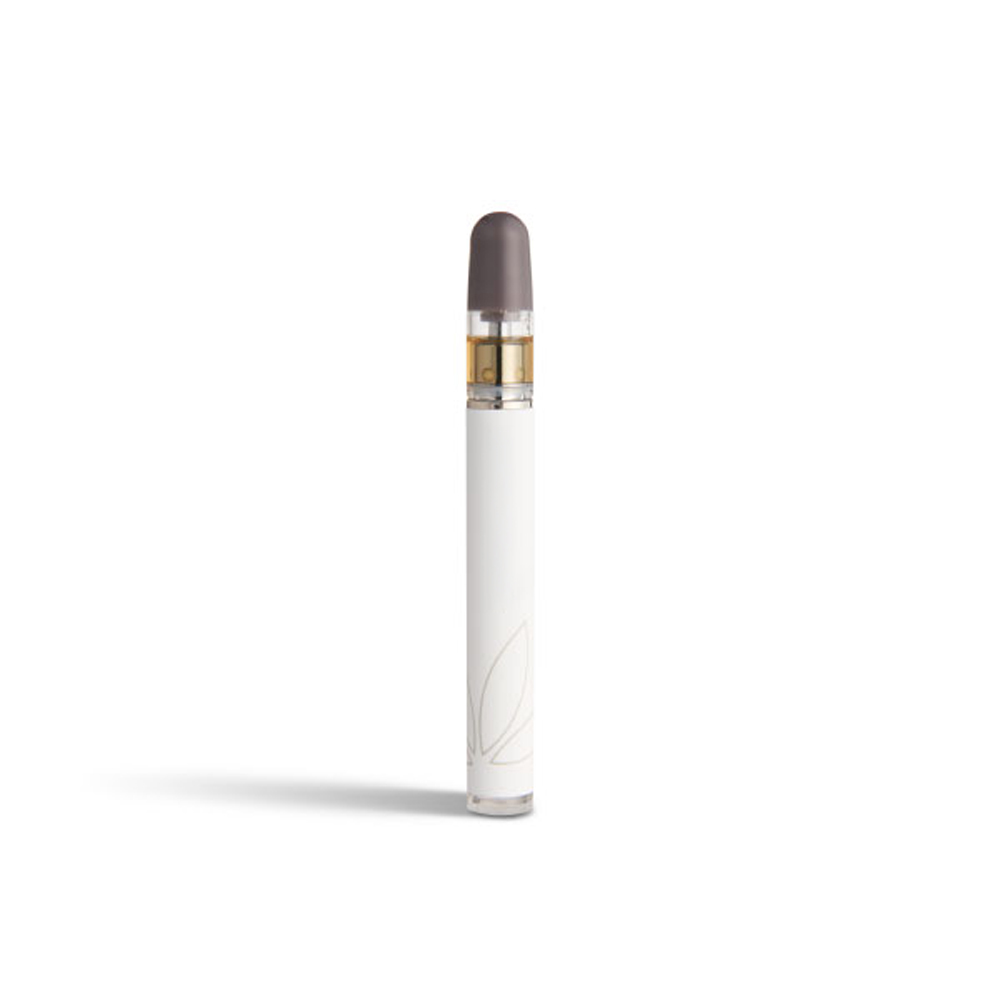
Your new go-to for smooth, flavorful sessions — our 2g Full Spectrum and Botanical Vapes. Here’s how to get the most out of every puff:
How to Power On or Off Your Float 2g Vape
Press the side button 5 times quickly.
- LED blinks 2 times = powered on
- LED blinks 5 times = powered off
Using Pre-Heat Mode on Your Float Vape
Press the side button 2 times quickly to start a 10-second preheat cycle.
- The green LED flashes while heating.
- Press once to cancel early.
Adjusting Temperature Settings on Your 2g Vape
Hold the side button for 1–2 seconds to switch between heat settings:
- Green = Low
- Blue = Medium
- Red = High
How to Store Your Float 2g Vape Between Uses
- Store your vape upright between sessions
Recognizing Low Battery Indicators
If the LED flashes 10 times and shuts off, it’s time to recharge.
How to Charge Your Float 2g Vape (USB-C)
Use a USB-C charger (5V output).
- LED stays on while charging
- LED turns off when fully charged
- LED blinks 3 times after you unplug
Find Your Favorite Float Full Spectrum and Botanical Vapes in 2g
Your 2g Vape is ready whenever you are, from preheat to puff.
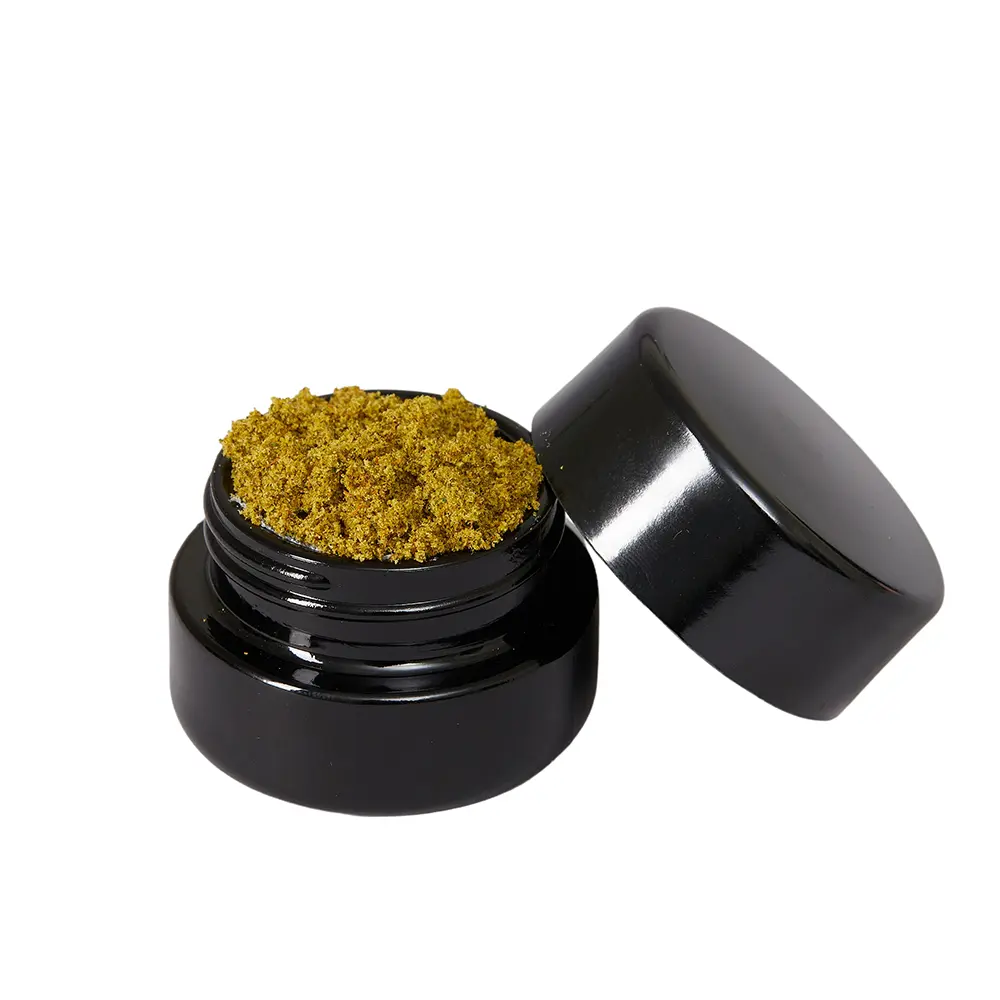
Find your favorite Full Spectrum strains or Botanical flavors and Float in 2g.
.jpg)




.jpg)
.png)


%20(1).jpg)
.jpg)


.webp)




.jpg)
.jpg)